SimpleAlgo V4 User Guide
Complete documentation for the all-in-one AI-powered trading system
Introduction
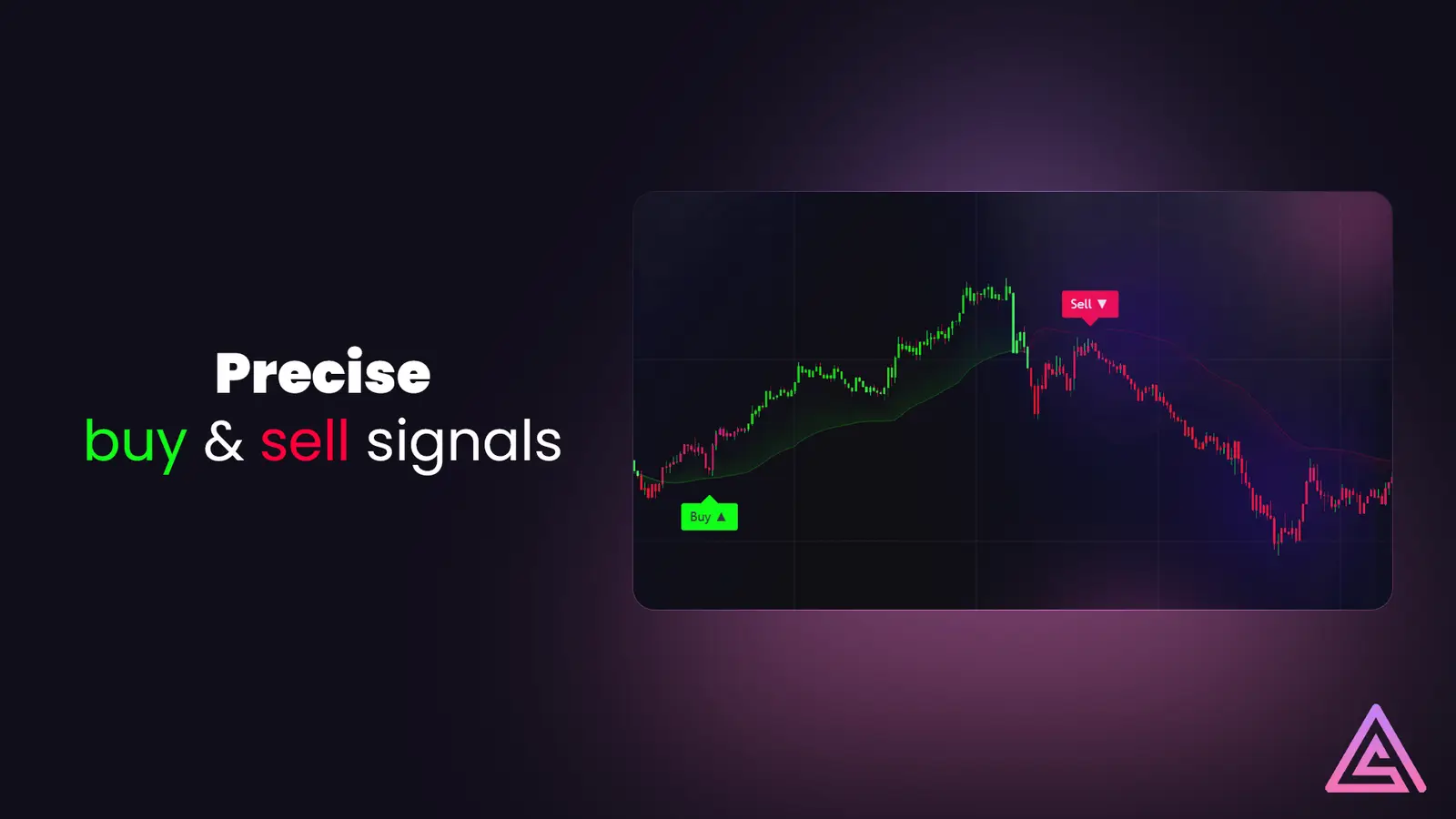
SimpleAlgo V4 is an advanced, all-in-one AI-powered trading system built for every type of trader — from scalpers to swing traders. Version 4 introduces six fully integrated tools designed to simplify your charting experience, improve accuracy, and help you identify high-probability setups across stocks, crypto, forex, and futures.
Getting Started
Follow these steps to set up SimpleAlgo V4
Step 1 — Access & Installation
- Purchase or activate your subscription on Whop.com/SimpleAlgo
- Once approved, go to your TradingView account and open any chart
- Click Indicators → Invite-Only Scripts
- Select SimpleAlgo V4 from the list to apply it to your chart
Tip
If you don't see the indicator under "Invite-Only Scripts," ensure your TradingView username matches your Whop account username exactly.
Step 2 — Initial Setup
- Apply SimpleAlgo V4 to your chart
- Choose your preferred trading mode under the settings tab:
- Scalper Mode - High sensitivity, more frequent signals
- Day Trader Mode - Balanced signal frequency
- Swing Mode - Low sensitivity, higher confluence setups
- Adjust chart style (candles, timeframes) according to your strategy
Core Features
Explore the six powerful tools integrated into SimpleAlgo V4
Real-Time Buy & Sell Signals
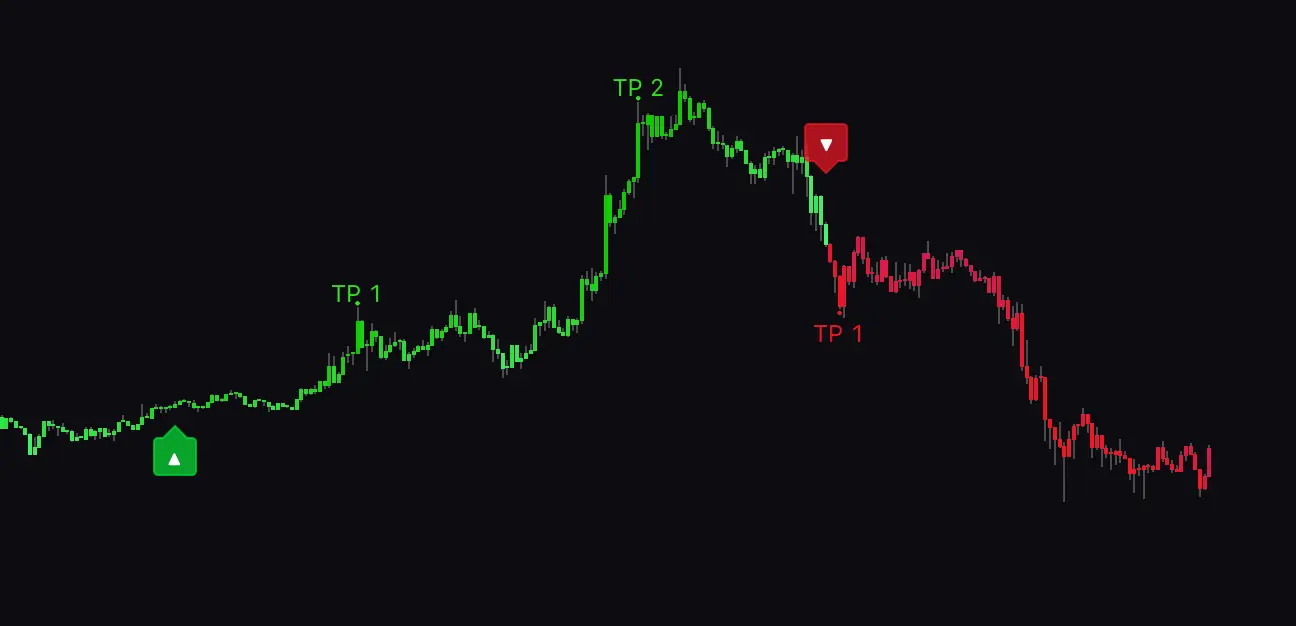
SimpleAlgo V4 provides precise, non-repainting Buy and Sell signals based on live price action and AI-driven detection. Each signal is generated using real-time volatility analysis and market structure recognition.
How It Works:
- Green "Buy" labels appear when bullish reversals or continuation setups are confirmed
- Red "Sell" labels appear during bearish reversals or momentum breakdowns
- Optional take profit and stop loss levels are displayed automatically for structured trade management
How to Use It:
- Wait for a Buy or Sell signal to appear
- Confirm with additional indicators (Trend Cloud, Oscillator, or Dashboard)
- Enter a trade when signal confluence aligns with your trading plan
Settings & Customization
Inside the Settings Panel, you can adjust various parameters to match your trading style:
Note: Default settings are optimized for 15-minute to 4-hour timeframes, but can be adjusted based on preference.
Best Practices
- Always confirm Buy/Sell signals with at least one confluence tool (Oscillator, Trend Cloud, or Bands)
- Avoid trading during low-volume sessions (especially in crypto markets)
- Backtest your preferred settings on historical data before going live
- Keep charts clean — only activate features you regularly use
Frequently Asked Questions
Ready to Start Trading?
SimpleAlgo V4 combines the power of AI with years of market data to deliver a fully integrated trading toolkit. By understanding how each feature functions and how to combine them for confluence, traders can achieve a more structured, data-driven approach to decision-making — across any market or timeframe.